Create your main vendor list and assign them to projects where you can track booking statuses, contracts, and more.

Keep one organized record for each vendor, then add them to any project when they’re part of the event. No duplicate profiles, no scattered notes, no rebuilding the same vendor details from scratch.
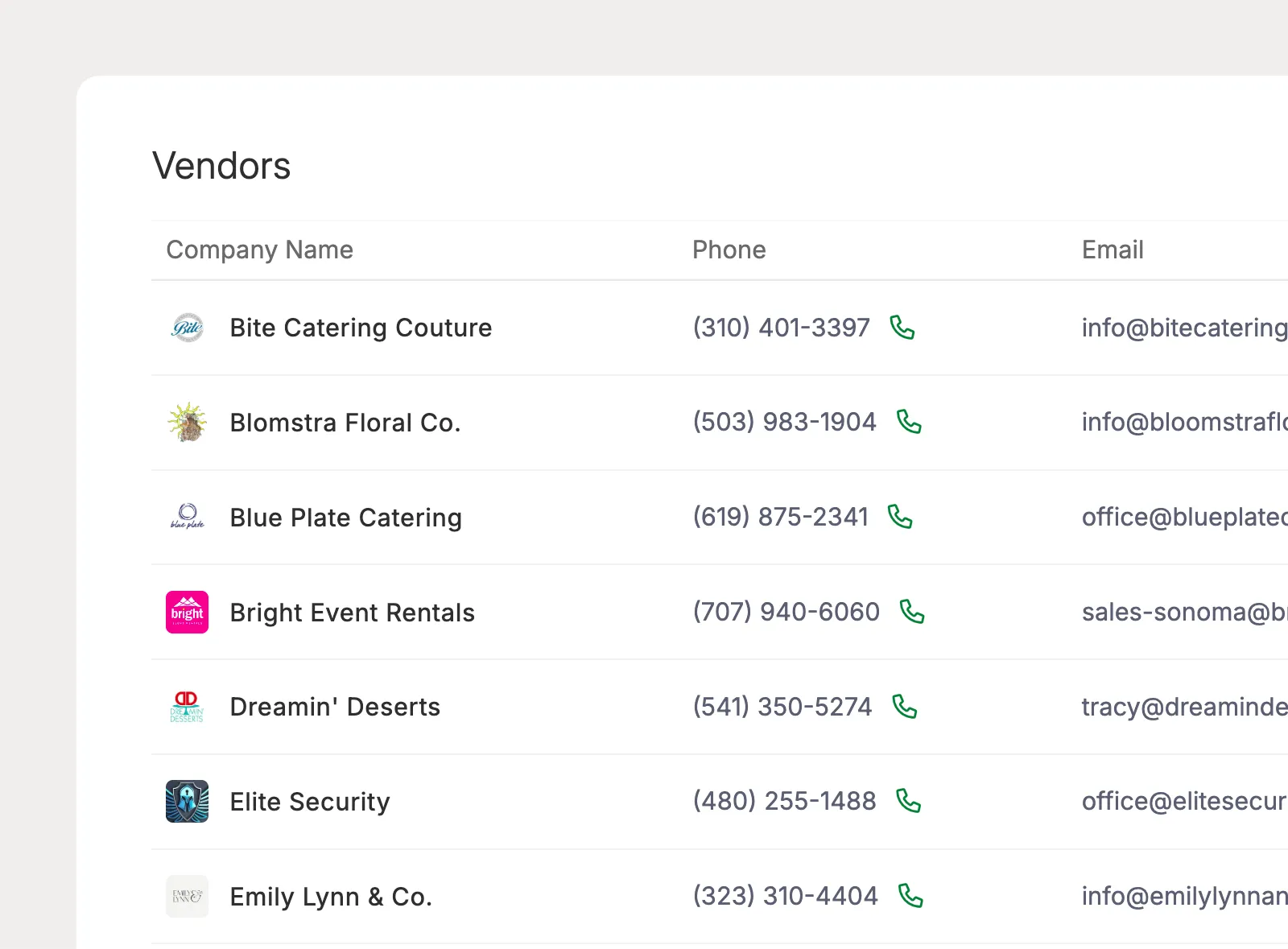
Create one master record for each vendor, then attach them to any event. Keep vendor information consistent across projects instead of creating duplicate records.
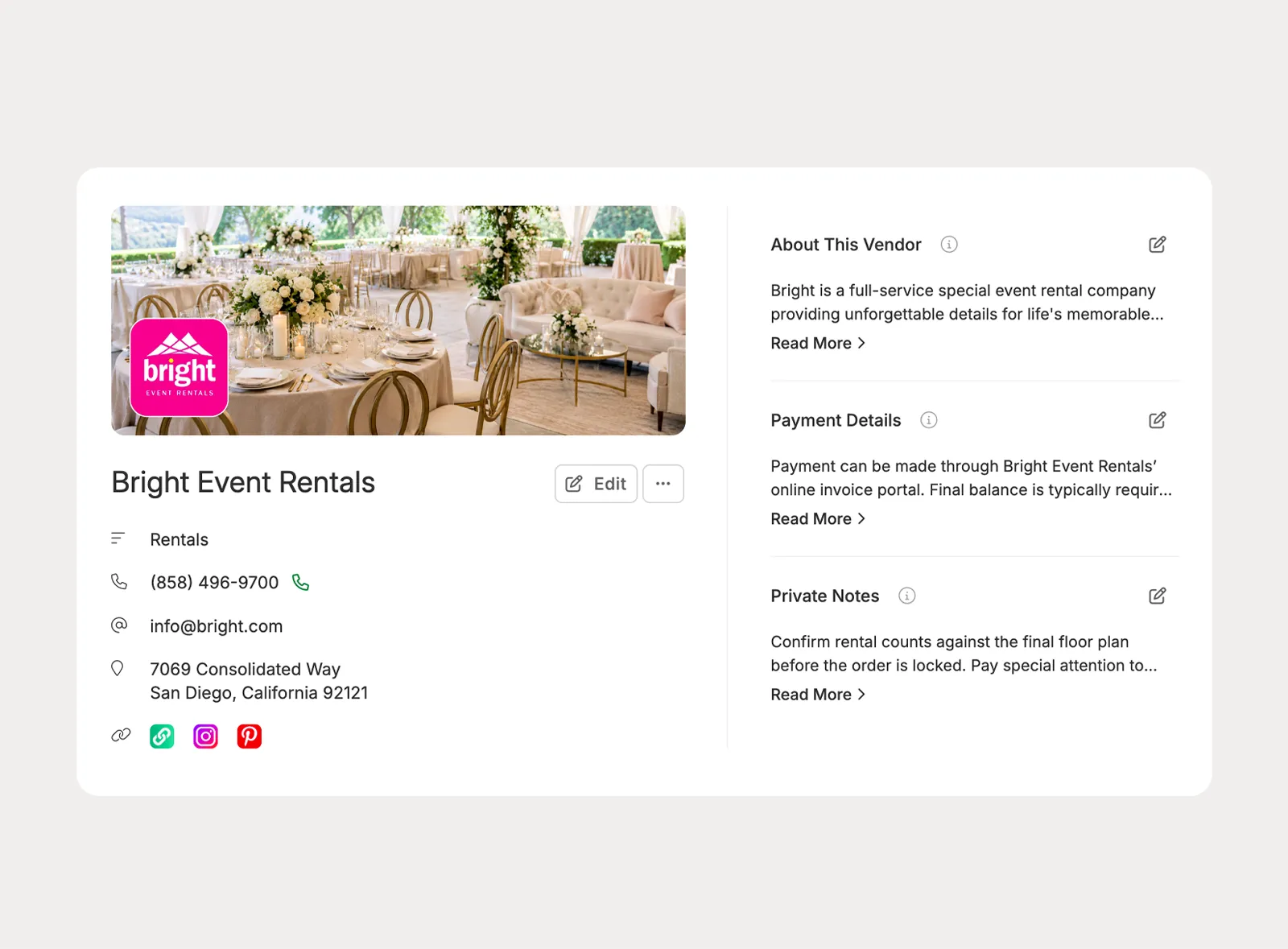
Store contact information, social links, addresses, payment notes, documents, and vendor contacts in one organized profile.
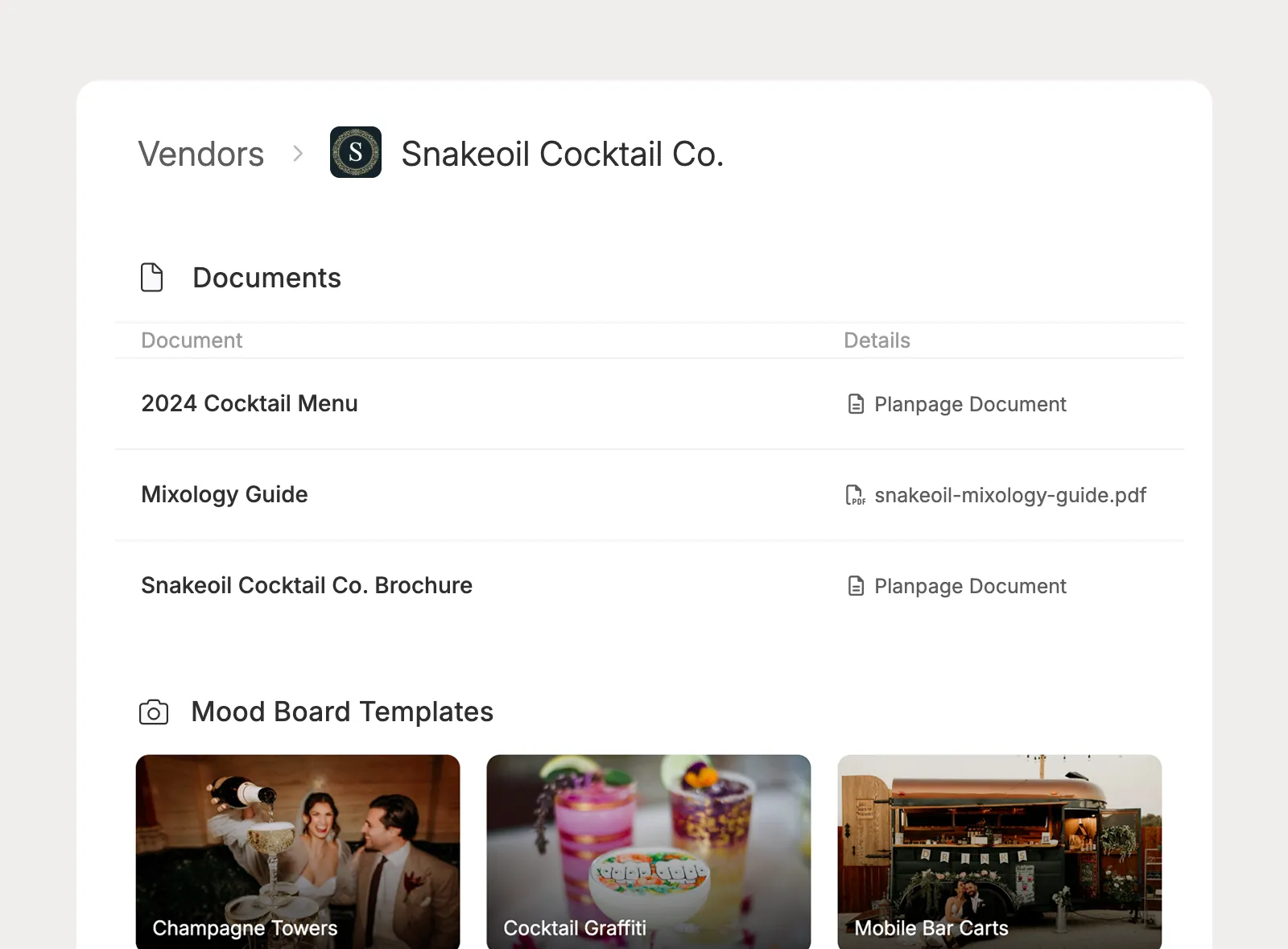
Store contracts, menus, pricing sheets, brochures, and mood board templates on the vendor profile, then copy what you need into specific projects.
Once a vendor is added to a project, Planpage gives you a dedicated place to track their role, status, contacts, files, notes, and collaboration for that specific event.
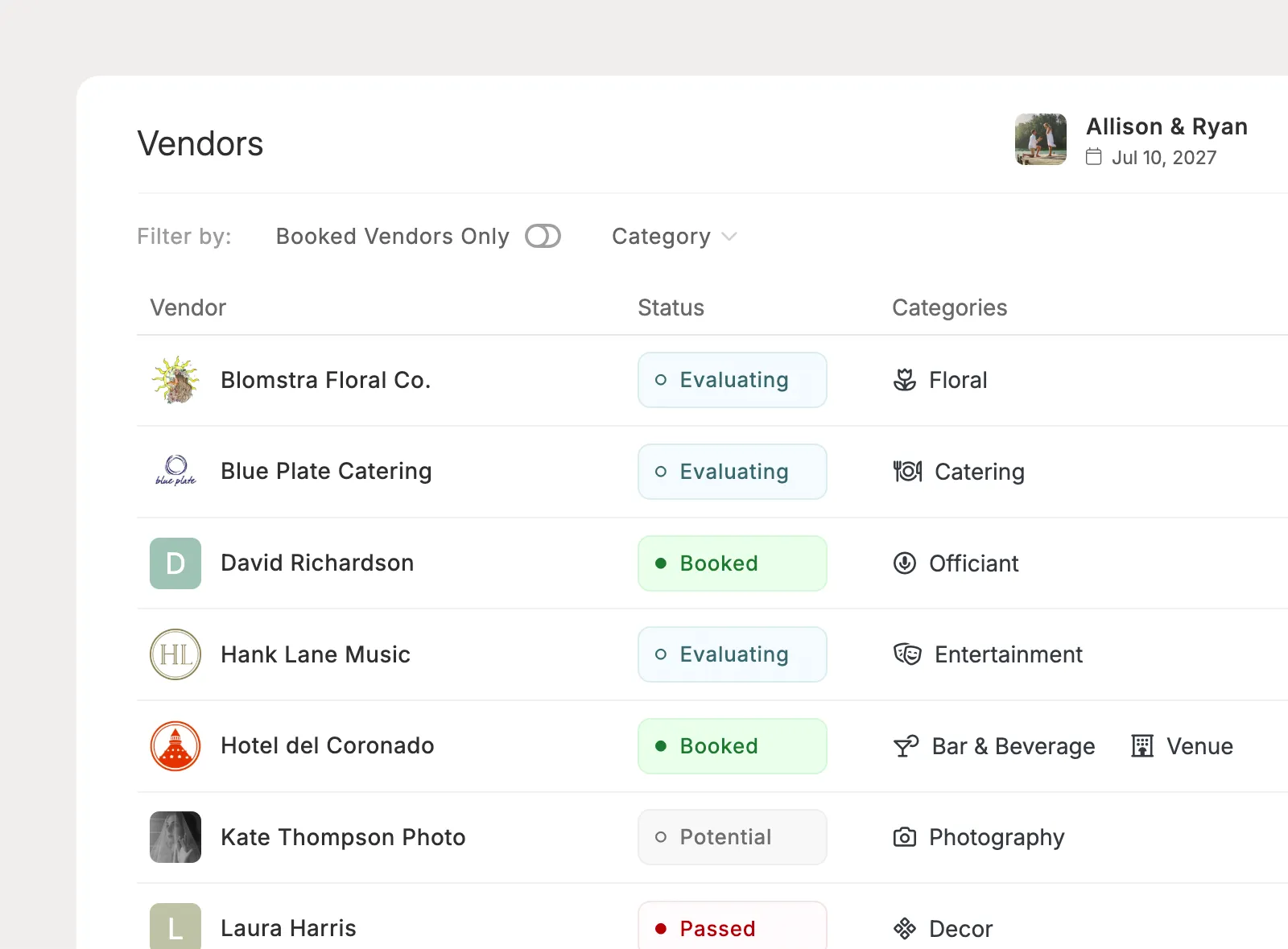
See where each vendor stands, from potential options and evaluations to booked vendors and those not selected.
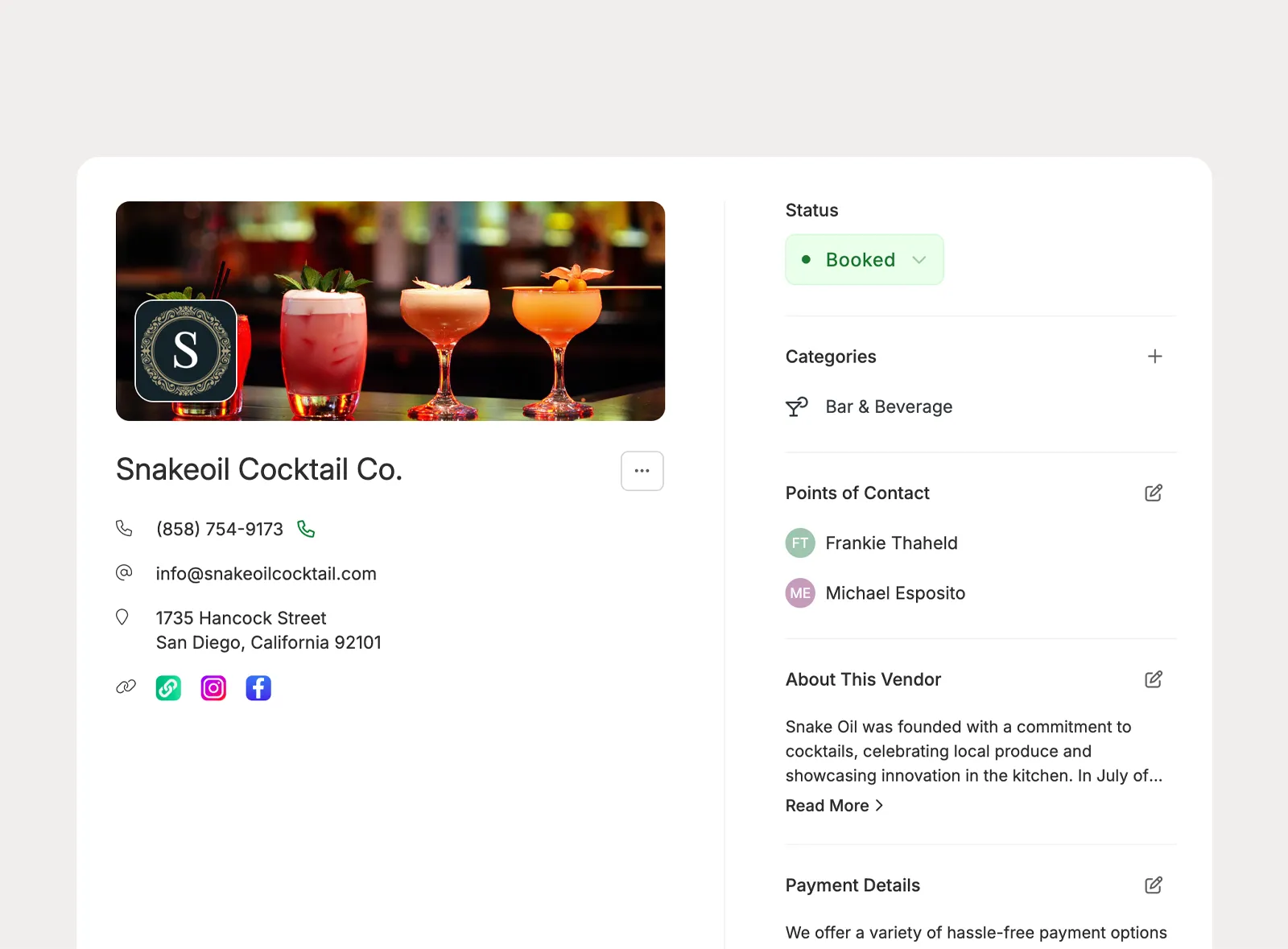
Store event-specific contacts, notes, documents, comments, payment details, and mood boards in one connected profile.
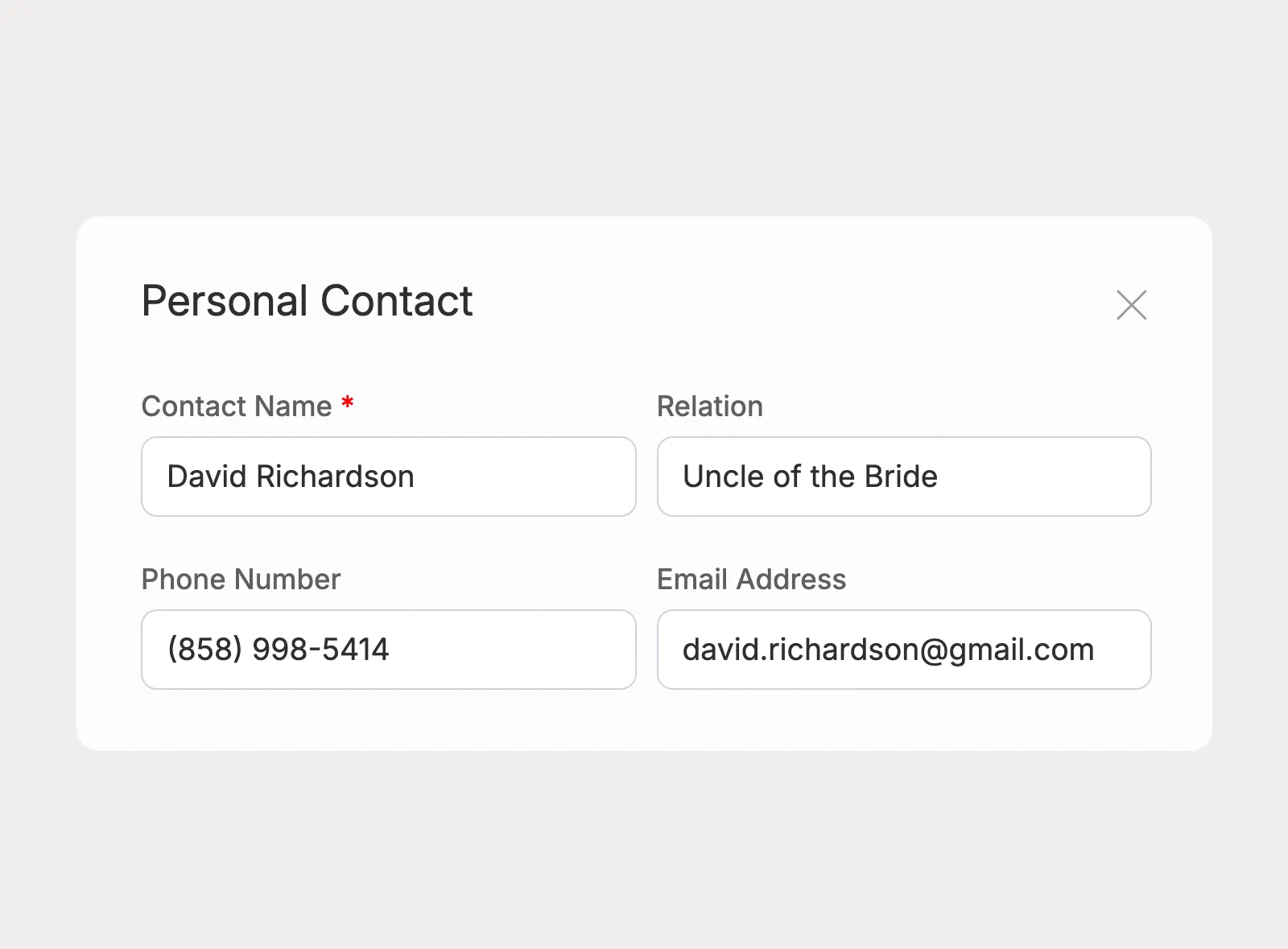
Add family members, friends, officiants, or other personal contacts and manage them alongside the rest of the vendor team.
Vendor information becomes more useful when it connects to invoices, budgets, timelines, emails, client collaboration, and the final details you need to share before event day.
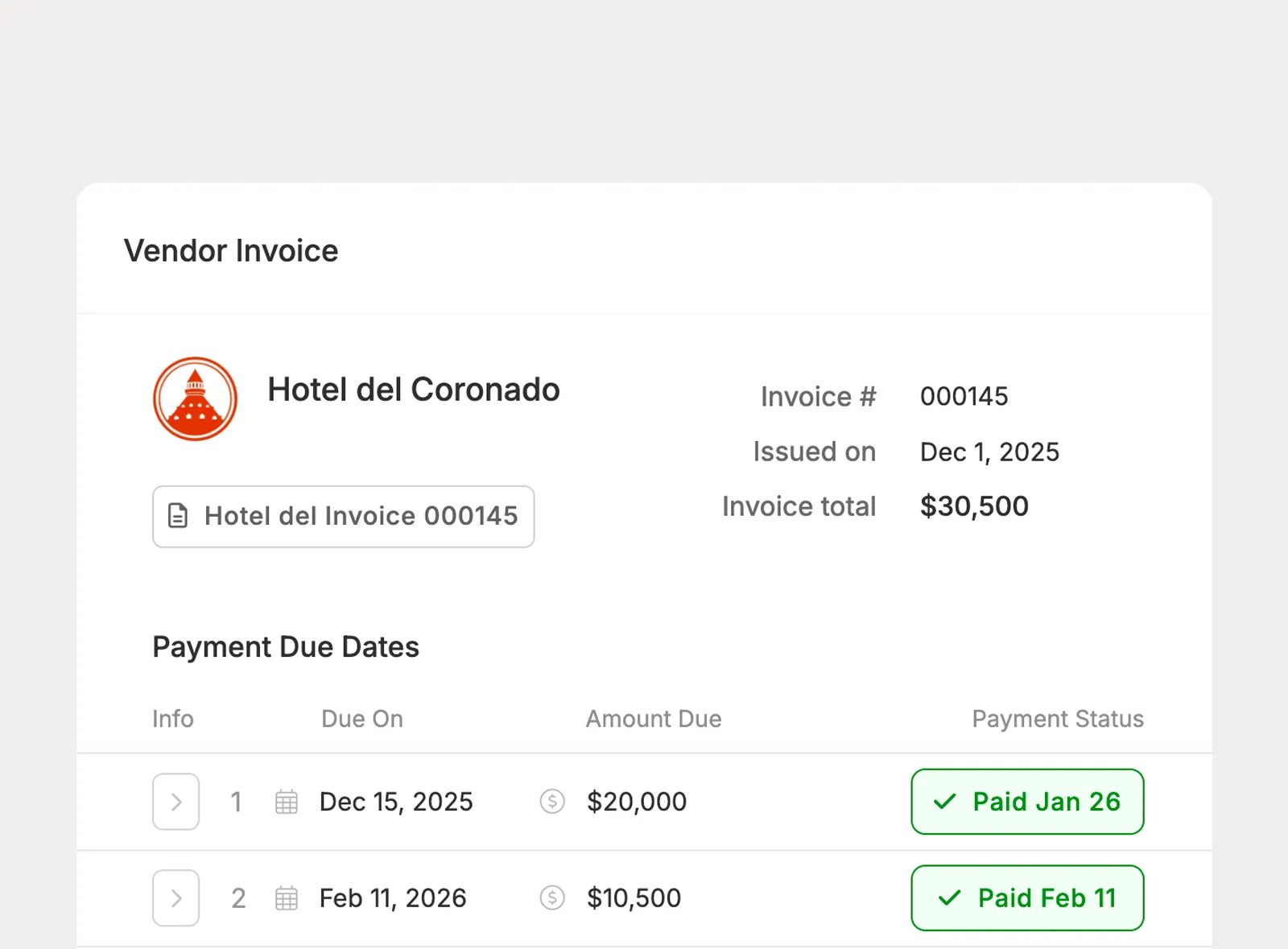
Connect vendors to budget items, attach invoices, and keep payment schedules and due dates tied to the planning workflow.
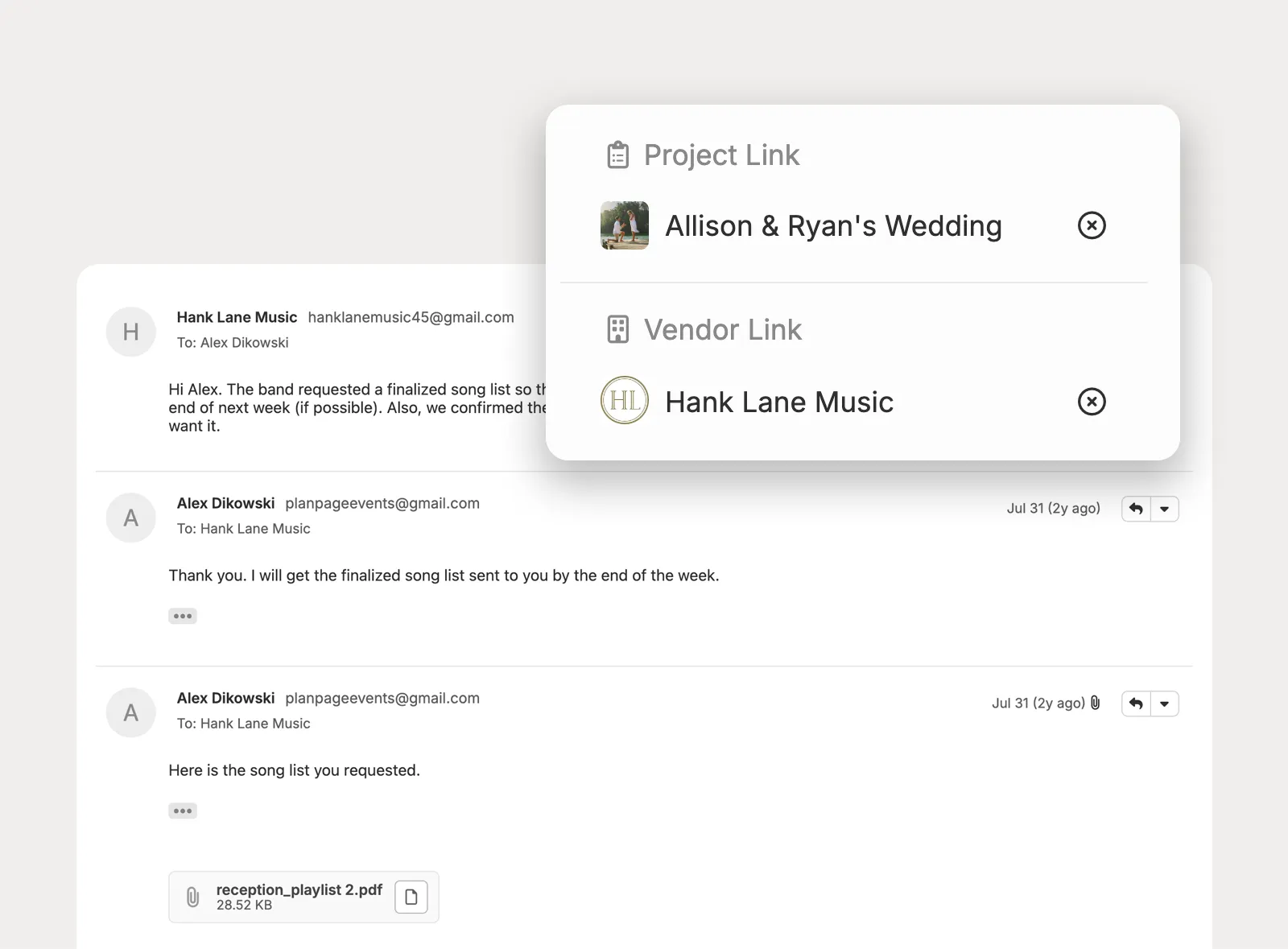
Link emails to the right vendors and save attachments directly into project documents without extra downloads or uploads.
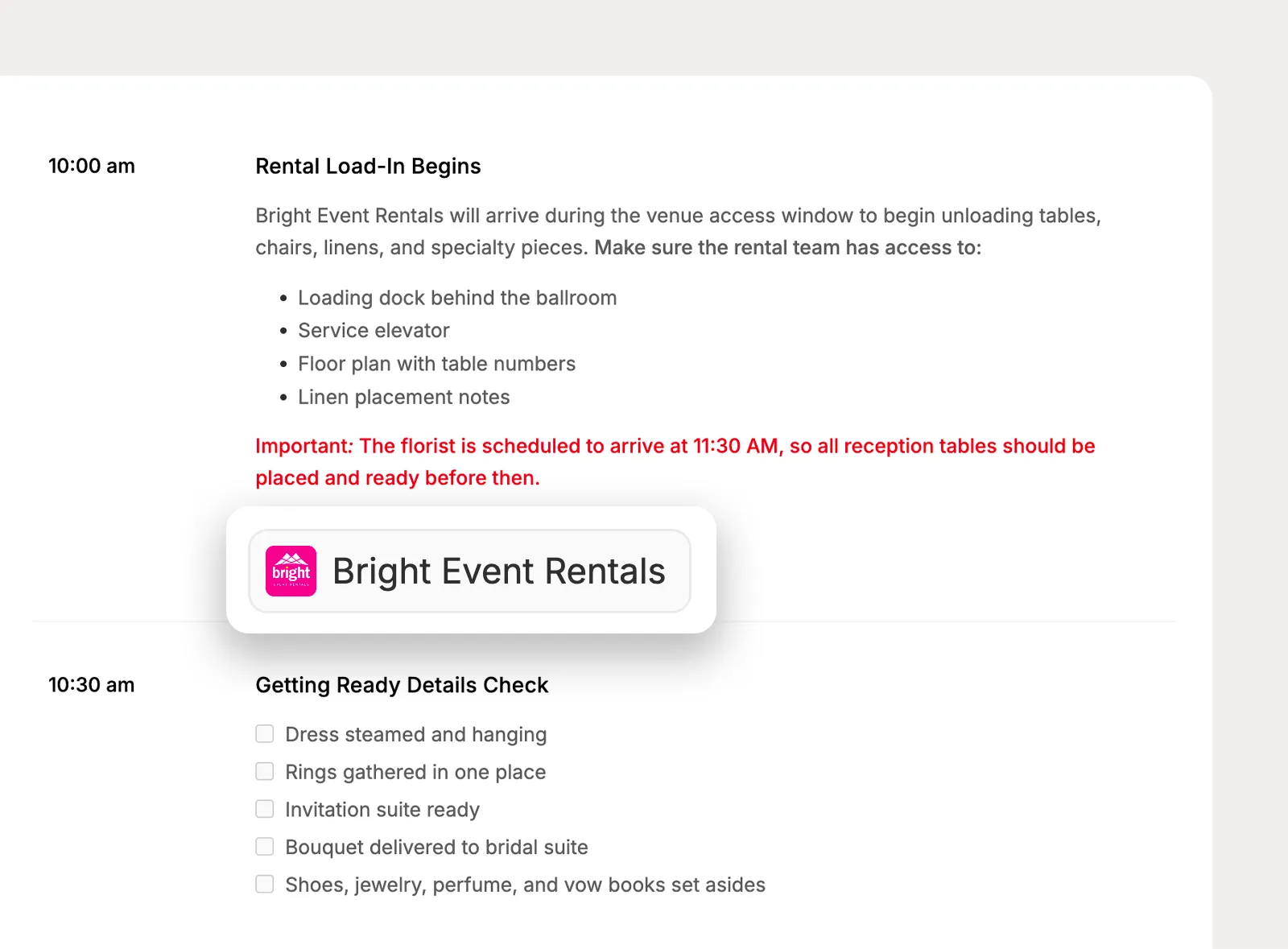
Connect vendors to the timeline moments they’re involved in so responsibilities stay clear throughout the event.
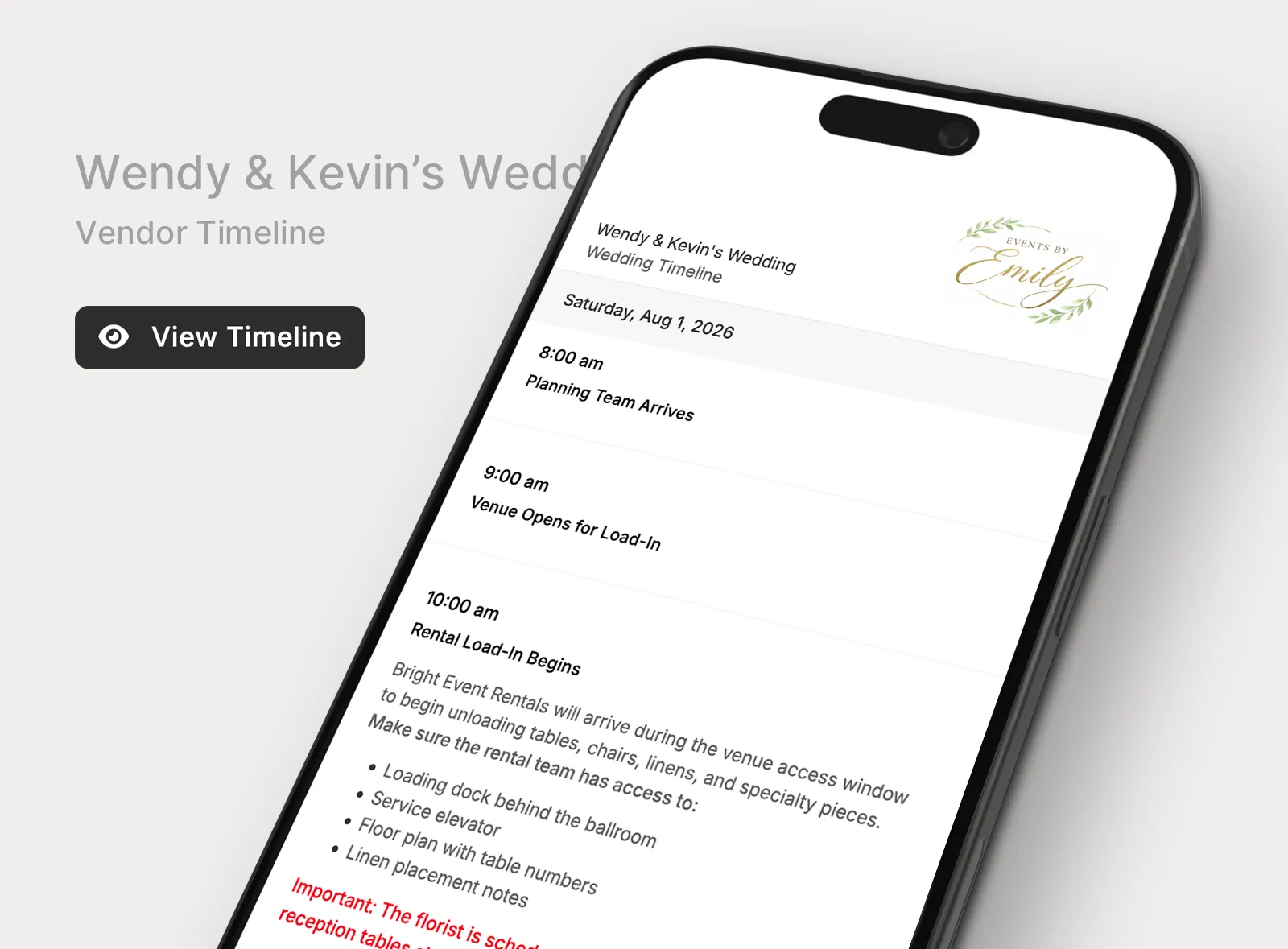
Create vendor-specific timeline views and share them with a direct link that stays updated as schedules change.
I love having everything in one place, and it provides a fantastic experience for my clients.

Planpage has a clean design, it's easy to use, and the customer service has been outstanding.

I've tried all of the platforms, and have not found anything I love as much as Planpage!