Bring your work email into Planpage and supercharge your inbox. Send email and organize conversations in projects.

Connect each staff member's real work email to Planpage so everyday communication can live alongside the leads, projects, vendors, and planning records it belongs to.
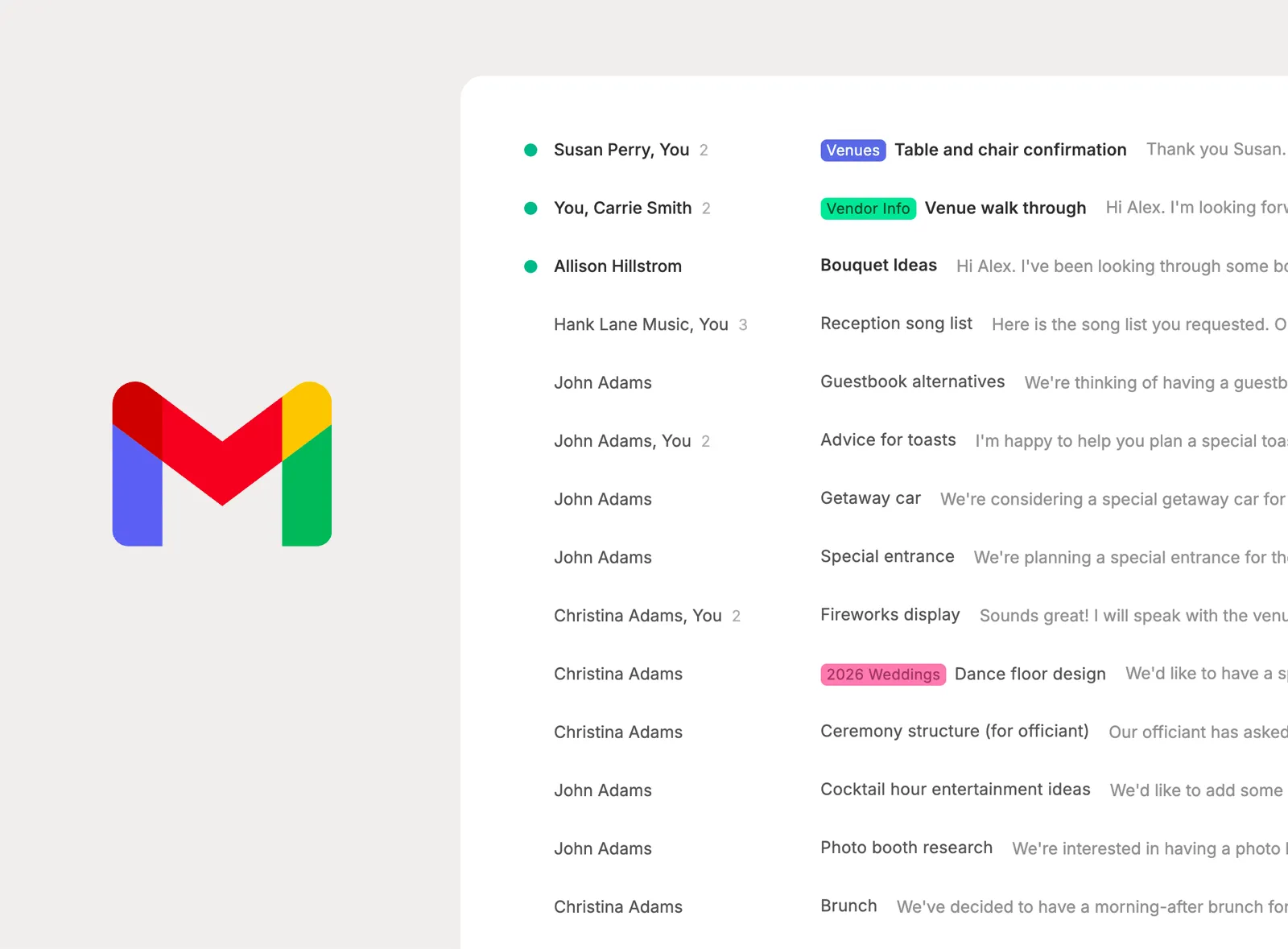
See a real-time, two-way synchronized view of your work email inside Planpage, with the messages and labels planners already use to stay organized.
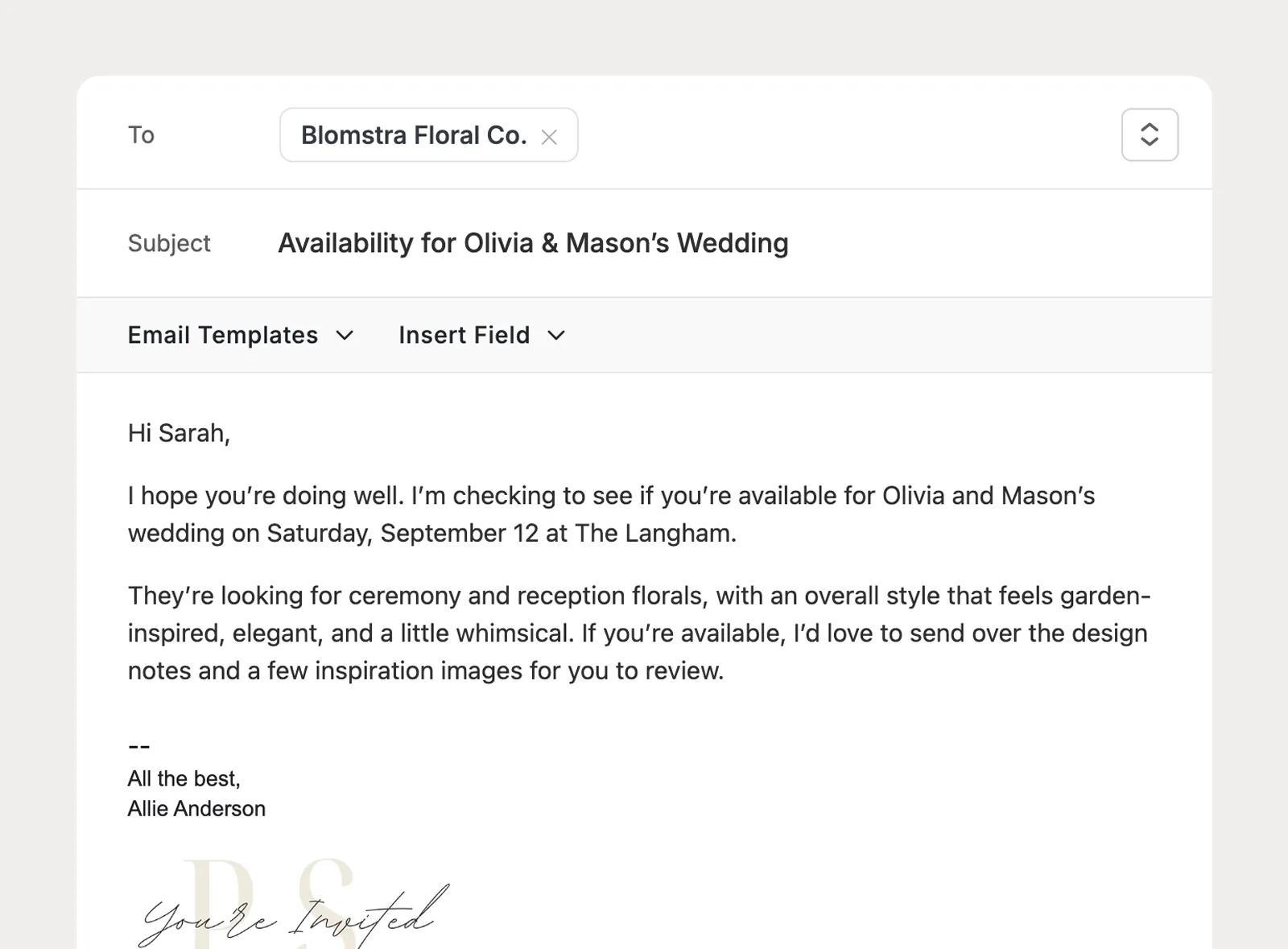
Write, reply to, and forward emails from Planpage while still sending from your actual work email address, including the documents and updates you share through Planpage.
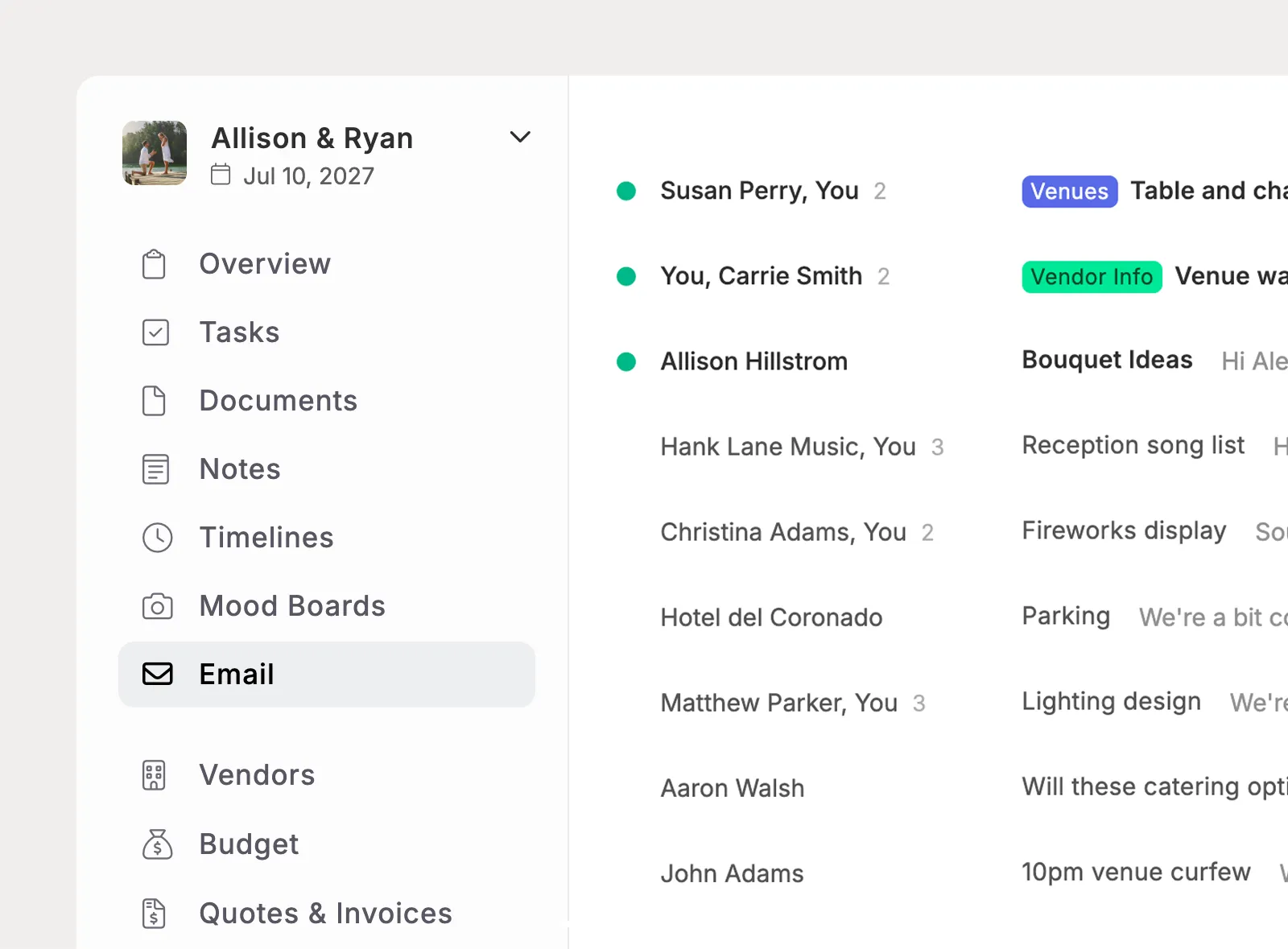
Link email conversations to the project they belong to, then open that project whenever you need to see the communication history tied to the event.
When an email turns into something your team needs to track, save, schedule, or organize, Planpage helps move that context into the right planning tools.
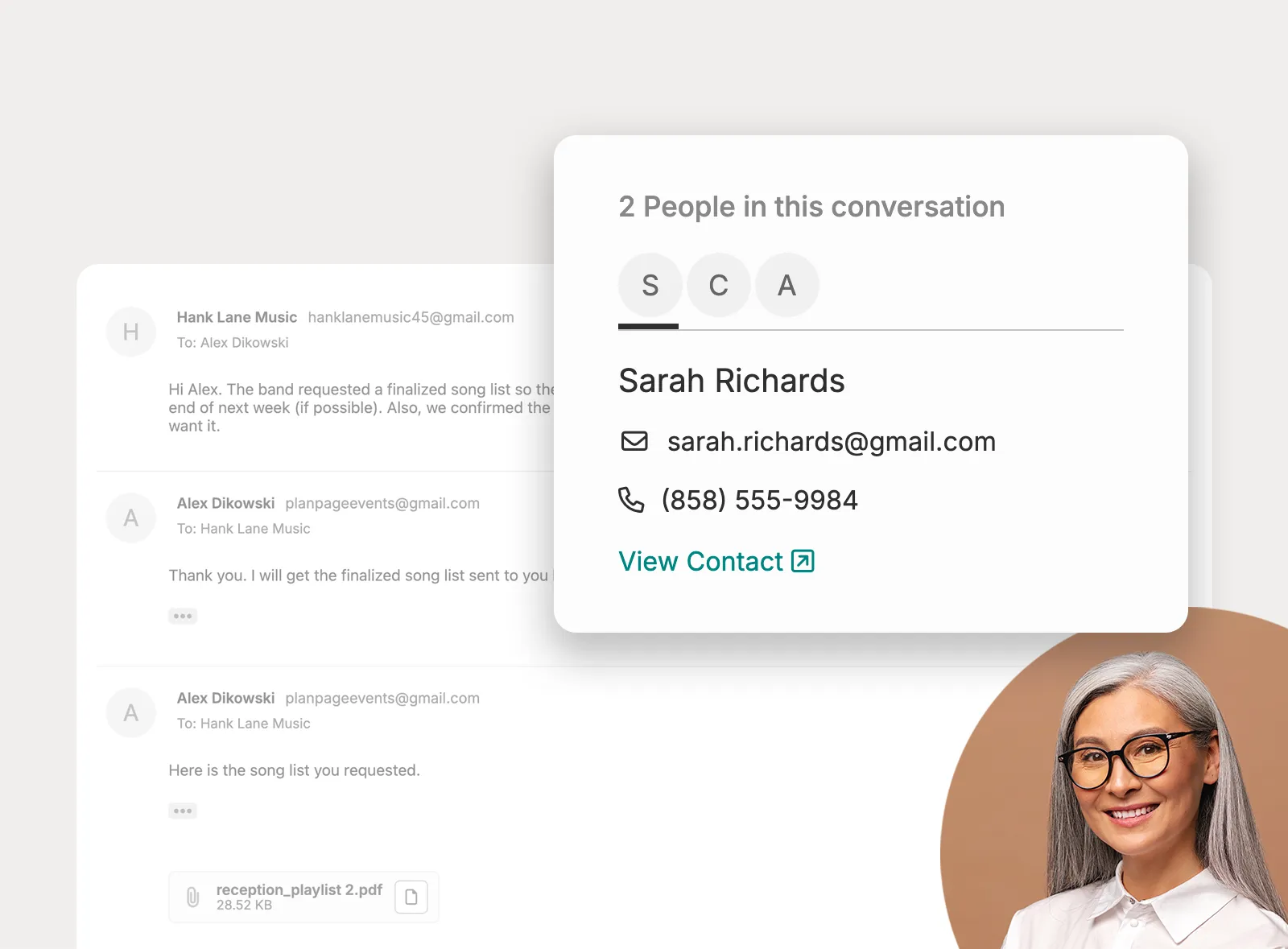
Turn an email address from a thread into a contact record in your main contact list, keeping important people close to the rest of your planning data.
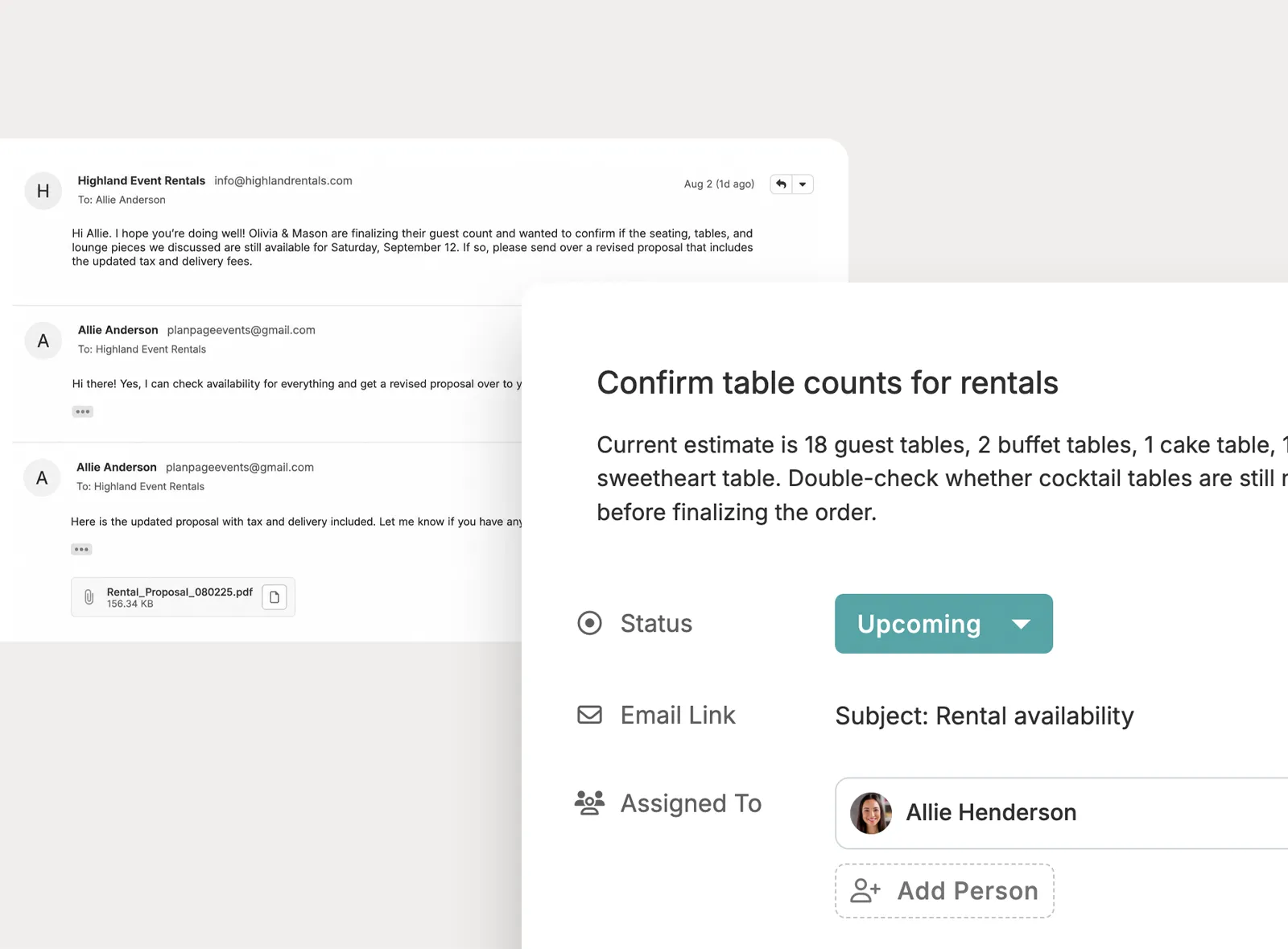
When an email needs follow-up, create a task from the thread so the next step is tracked in Planpage instead of sitting only in the inbox.
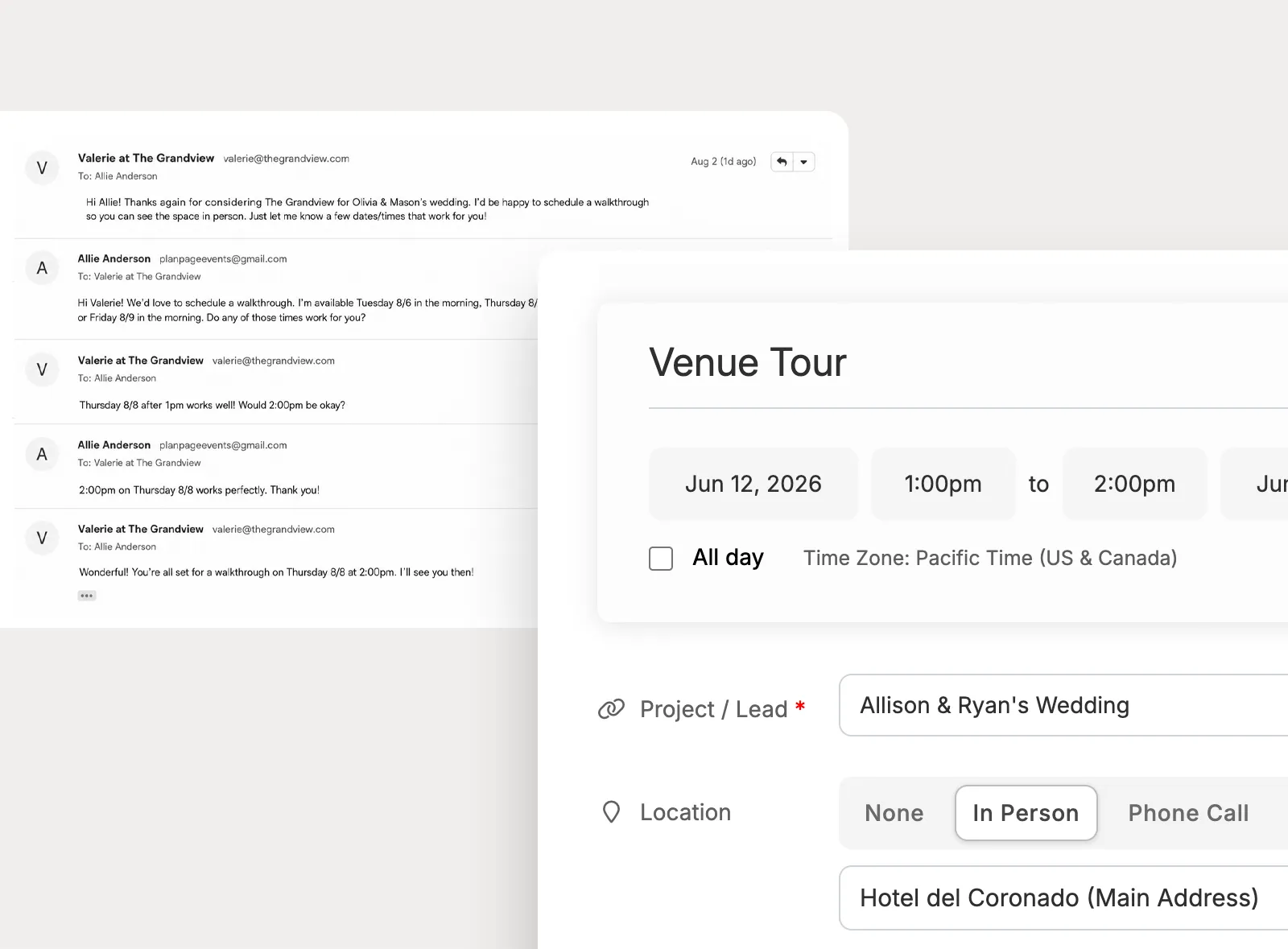
Create calendar events from email conversations when dates, meetings, or deadlines need to move from a message into the planning calendar.
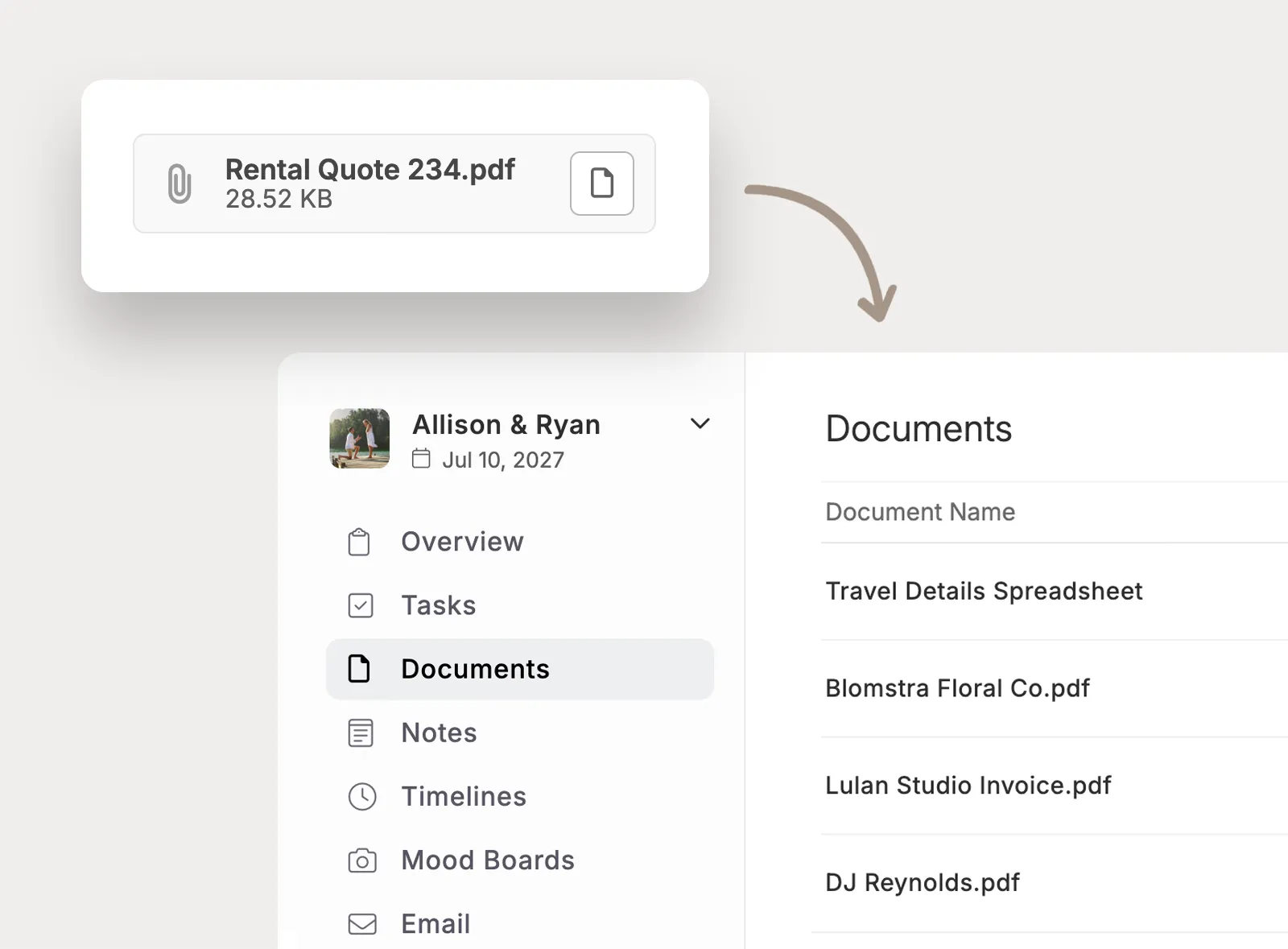
Save files from email threads into the project documents area so contracts, PDFs, menus, and other attachments are stored where the team can find them.
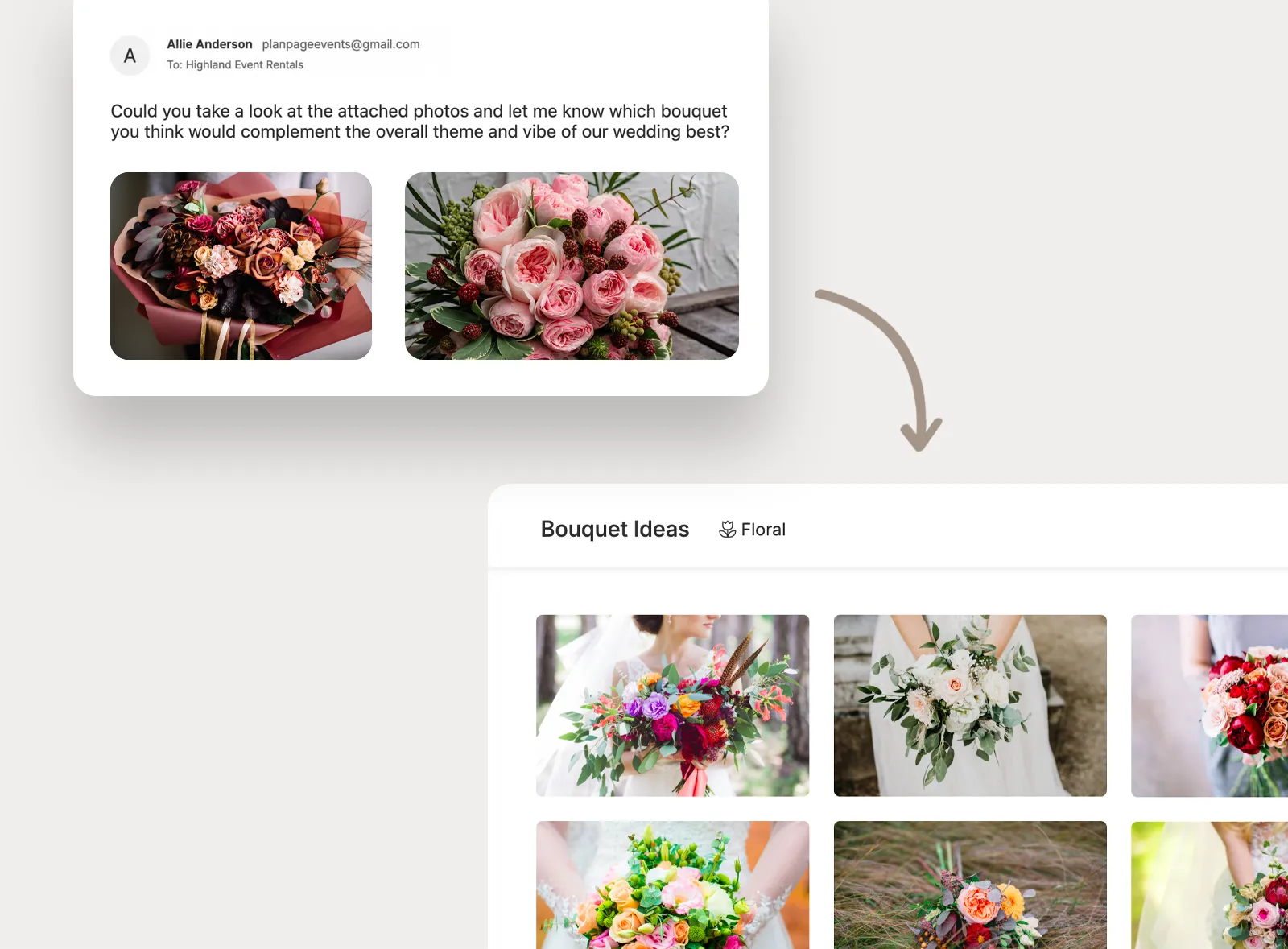
Move inspiration images from email into project mood boards, keeping visual ideas connected to the project instead of buried in old messages.
Use reusable email language and internal visibility controls to make daily communication easier for the team without exposing email threads to clients.
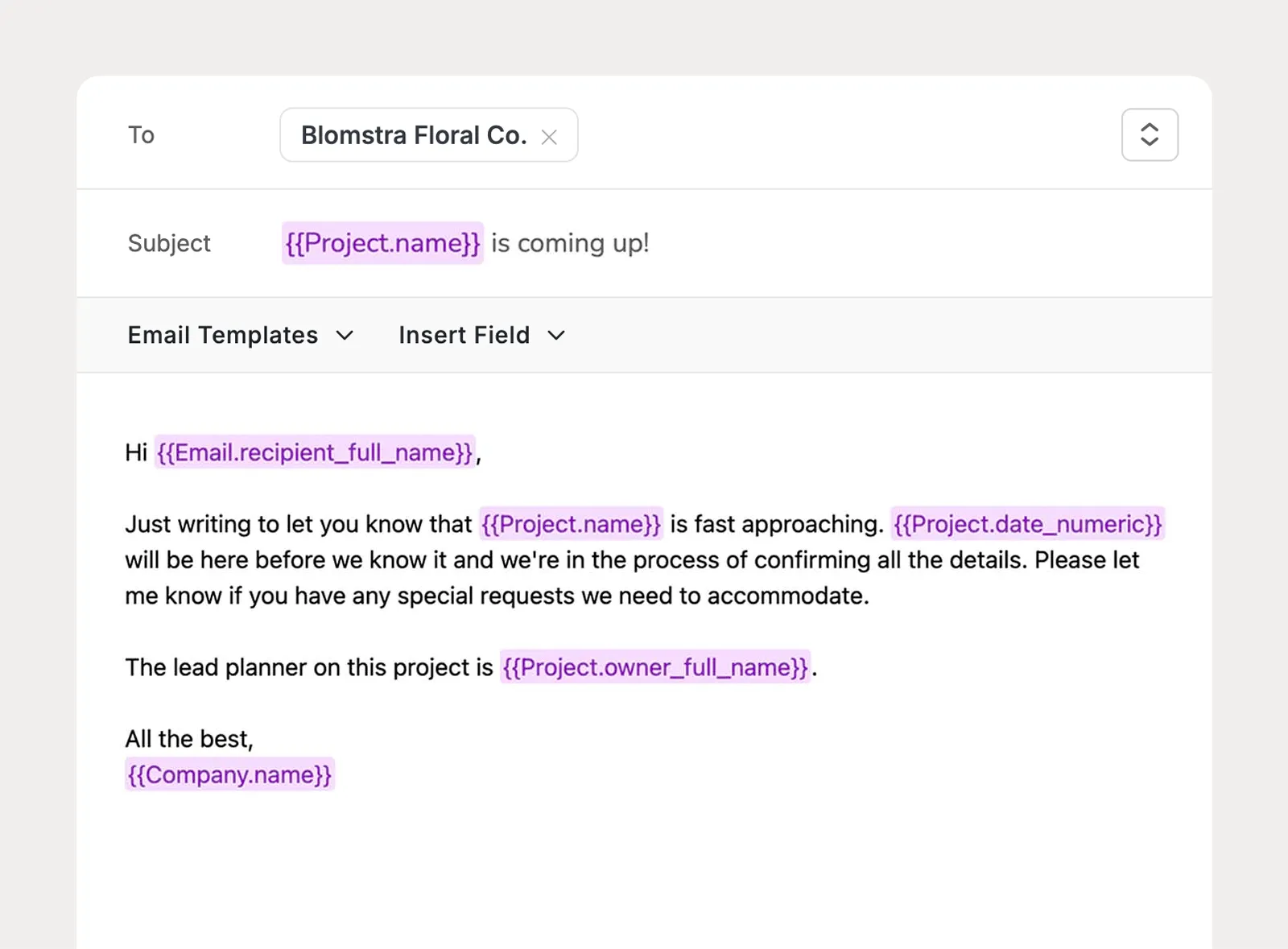
Create reusable company-level email templates that staff can select while composing, personalize with merge fields, and customize before sending.
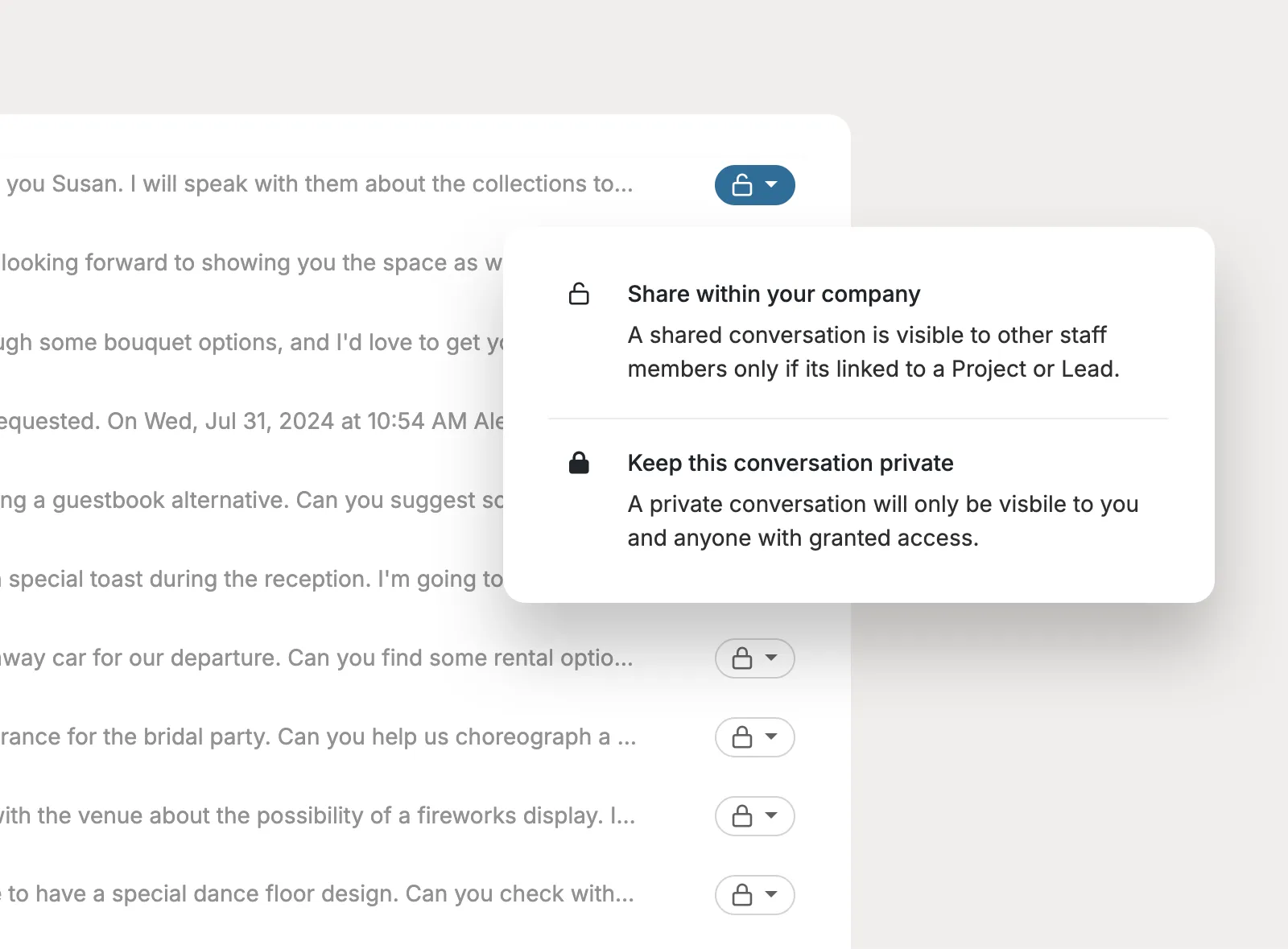
Keep project email threads private when needed, or share them with the company so teammates can open the project and view the conversation for context.
There's so much value with Planpage, and the customer support is fantastic.

I love having everything in one place, and it provides a fantastic experience for my clients.

Planpage has a clean design, it's easy to use, and the customer service has been outstanding.